
Know what happened in every call, not just the ones you sample.
Transcription tools parse calls. Meeting recorders capture video. Harmony structures every conversation and measures performance - custom scorecards, automated QA at 100% coverage, and coaching that scales to your entire operation.














































Every conversation, scored
and ready to act on
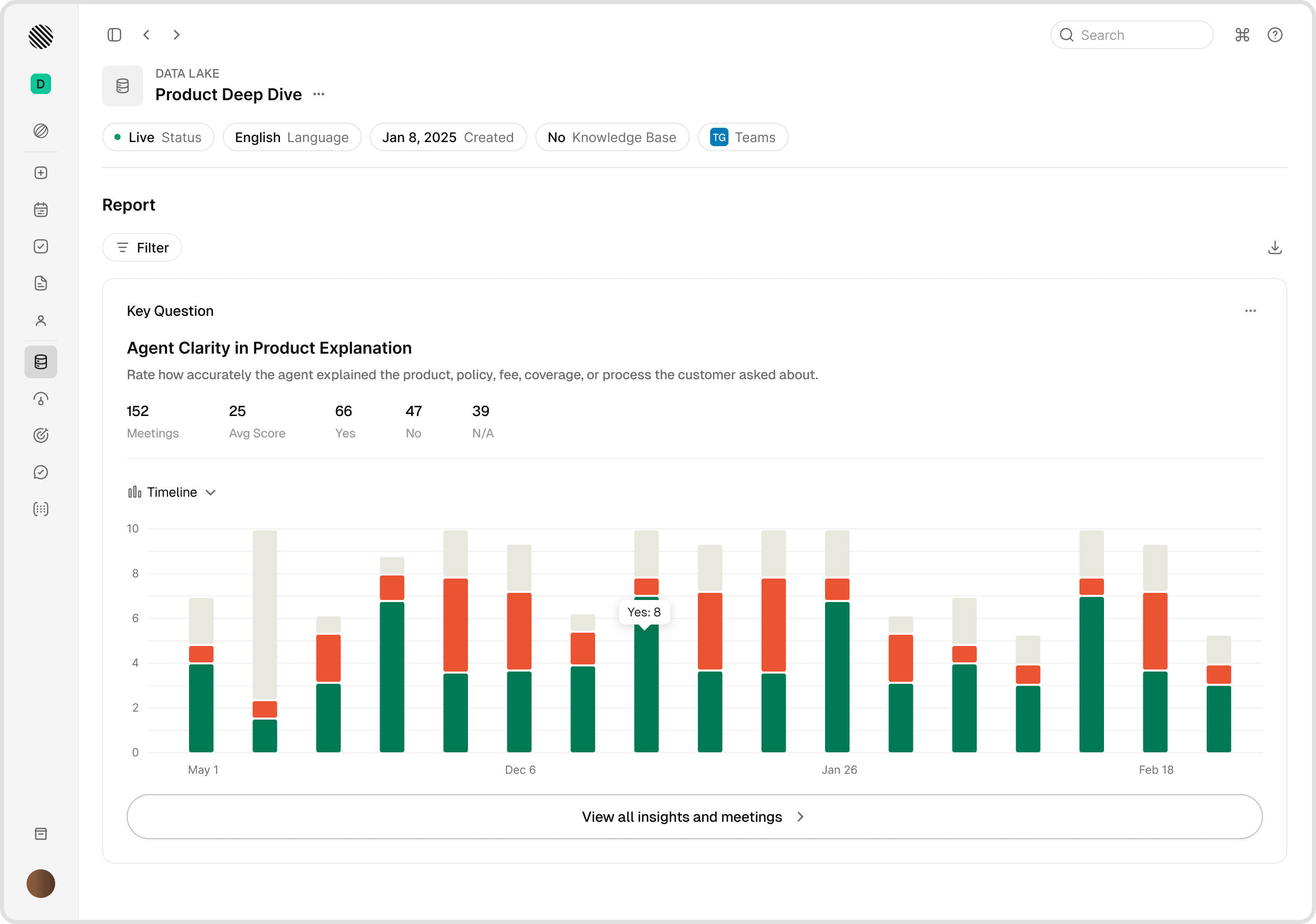
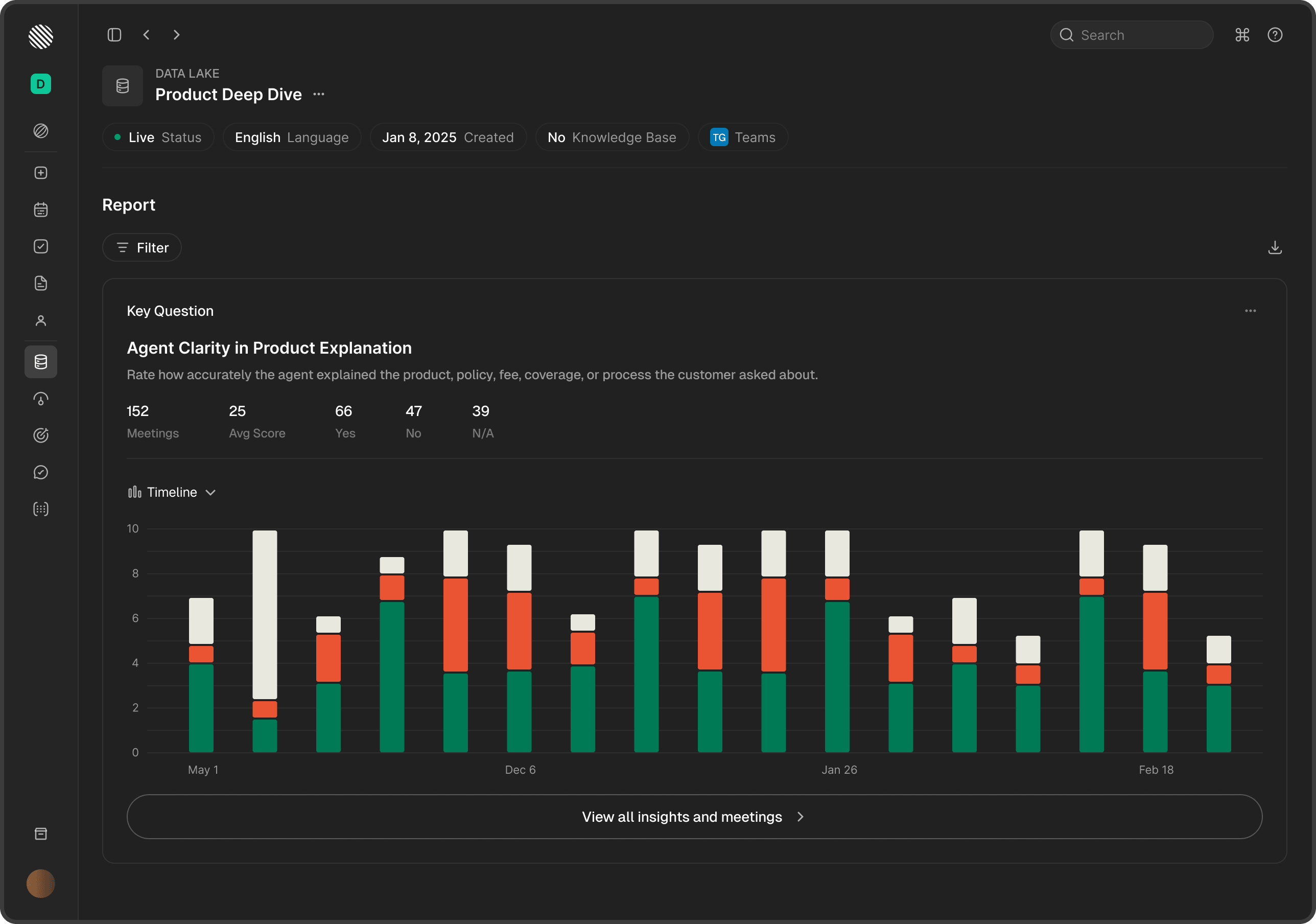
Harmony turns raw calls and meetings into real-time reports your team can read at a glance - key questions tracked over time, funnels that show where conversations drop off, and scorecards that verify what was actually covered.
Beyond recording and transcription
Capturing the call is table stakes. Harmony turns every conversation into a measure of how your team performs.
Custom scorecards
Build scorecards that match how your team actually sells or supports. Score every call against your criteria, not a generic template.
Automated QA at 100%
Every conversation is scored automatically. No sampling, no manual review queues - all of your calls are covered from day one.
Coaching that scales
Turn scores into coaching. Surface the moments that matter so managers coach on evidence, not memory.
Talk analytics
Track talk ratio, monologues, interruptions, and pace so reps understand how their conversations actually land.
Topic and competitor tracking
Detect the topics, competitors, and objections that come up across calls, and see how they trend over time.
Sentiment and signals
Read the tone of every conversation and flag the calls that need a closer look.
One source of truth for every
customer conversation
Centralize, score and act on every interaction - across every channel, team and language - from a single workspace.















Harmony receives recordings and transcripts from your telephony, meeting and messaging tools. You keep your existing systems and decide where Harmony runs and which models process your data.
What changes when every
conversation is measured
Built for high-volume
customer conversations
From contact centers and assistance operations to sales and advisory teams - Harmony helps leaders measure and improve how work is done across thousands of conversations.
Know why deals are won and lost - across every rep, not a lucky sample.
Managers can only listen to a handful of calls a week. Harmony scores every conversation against your methodology and shows where deals slip - so coaching reaches the whole team, not just the reps in the room.
- Every discovery, demo and negotiation call scored against your playbook
- Objection handling, discovery depth and next-step discipline tracked per rep
- Deal risk flagged from the language on the call, while it can still be saved
- Talk ratio, monologues and competitor mentions surfaced automatically
MEDDIC coverage · Pipeline calls · Scale 0-10
Two drivers. New logo acquisition is slow and expensive, and you're losing ~8% of accounts a quarter to preventable churn.
Ask anything across every call your company has ever had. Sourced answers in seconds.
Get startedQuality assurance without the sampling
100% coverage
Score every call automatically instead of the small sample a human QA team can review by hand.
Your own criteria
Define the exact behaviors that matter for your business and weight them however you like.
Consistent scoring
Every conversation is measured against the same rubric, so scores are fair and comparable across the team.
Instant results
Scores land as soon as a call ends, so nothing waits in a review backlog.
Calibration
Keep human and automated scoring aligned with calibration so everyone trusts the numbers.
Trends over time
Watch quality scores move by rep, team, and topic to see what is working and what needs attention.
Coaching that scales with your team
Move from occasional call reviews to consistent, evidence-based coaching for everyone.
Evidence-based coaching
Managers coach on the actual moments in a call, with the transcript and score right there.
Personalized plans
Give every rep a clear picture of their strengths and the one or two things to work on next.
Team-wide insight
Roll individual scores up into team and org views so leaders see exactly where to focus.
Conversation intelligence, answered
Still have a question? Our team is happy to walk through how this fits your operation.
How much of our conversations get scored?+−
Can we build our own scorecards?+−
How accurate is automated scoring?+−
How is this different from a transcription or recording tool?+−
Does it work with our existing calls?+−
How long does it take to get value?+−
Measure every
conversation
See how Harmony scores calls, runs QA, and scales coaching across your whole operation.